
Selling ebooks online is one of the fastest ways to generate digital income. No inventory. No shipping. Unlimited copies sold from a single file.
This guide breaks down exactly how to go from zero to your first ebook sale in 7 days. Each day has specific tasks. Follow them in order.
Why Ebooks Are a Smart Starting Point
Before diving into the 7-day plan, here's why ebooks work for beginners:
- Low startup cost – Create with free tools, no physical production required
- High profit margins – No manufacturing or shipping expenses
- Passive income potential – Sell the same file unlimited times
- Quick to produce – A focused ebook can be written in a weekend
- Multiple sales channels – Sell on your own site, Amazon, or both
The barrier to entry is low. The profit potential is high. That's the formula.
Day 1: Choose Your Ebook Topic and Niche
Your ebook needs to solve a specific problem for a specific audience. Broad topics don't sell. Targeted solutions do.
How to pick a profitable niche:
- List topics you know well or can research thoroughly
- Identify problems people actively search for solutions to
- Check Amazon's Kindle store for bestsellers in your category
- Look for gaps: topics with demand but limited quality content
Profitable ebook niches include:
- Personal finance and budgeting
- Health and fitness routines
- Digital marketing strategies
- Self-improvement and productivity
- Specific software tutorials
- Hobby guides (photography, gardening, cooking)
Choose one niche. Define one problem. Create one solution.

Day 2: Write and Format Your Ebook
You don't need 200 pages. A focused 20-50 page ebook that delivers clear value outperforms bloated content every time.
Writing structure to follow:
- Introduction – State the problem and what readers will learn
- Core chapters – Break your solution into 3-7 actionable sections
- Conclusion – Summarise key points and include a call-to-action
Formatting requirements:
- Use clear headings and subheadings
- Include bullet points and numbered lists for scannability
- Add visuals, screenshots, or diagrams where helpful
- Keep paragraphs short: 3-4 sentences maximum
Tools for writing and formatting:
| Tool | Purpose | Cost |
|---|---|---|
| Google Docs | Writing and collaboration | Free |
| Microsoft Word | Writing and formatting | Paid/Subscription |
| Canva | Design and layout | Free/Paid |
| Adobe InDesign | Professional layout | Paid |
Final format: Export as PDF. This format preserves your design across all devices and is universally accessible.
Day 3: Design Your Ebook Cover
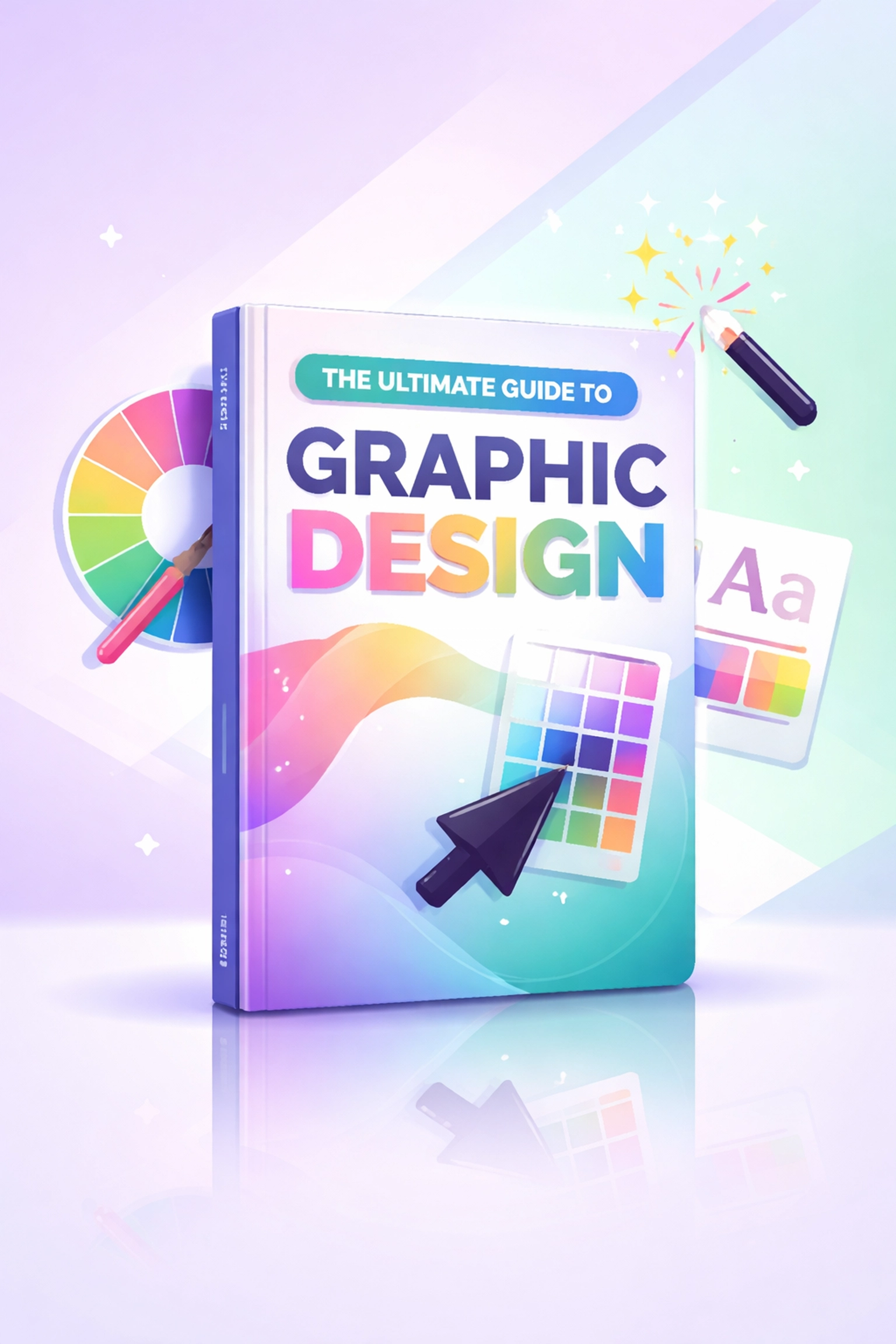
Your cover is your first impression. A professional cover increases perceived value and click-through rates.
Cover design options:
- DIY with Canva – Use pre-made templates, customise colours and fonts. Cost: Free
- Hire on Fiverr – Professional designers available for $5-$50
- Use Adobe Express – Free templates with customisation options
Cover design checklist:
- Title is readable at thumbnail size
- Design matches your niche (colours, imagery, fonts)
- Author name is visible
- No cluttered elements: clean and focused
- High resolution (minimum 1600 x 2560 pixels for Amazon)
Don't skip this step. A poor cover kills sales regardless of content quality.
Day 4: Set Up Your Sales Platform
You need somewhere to host your ebook, accept payments, and deliver the file automatically.
Option 1: Sell on your own website
Best for maximum profit and customer data ownership.
Platforms to consider:
- Payhip – Simple setup, handles payments and delivery
- Gumroad – Popular with creators, easy embed options
- SendOwl – Automated delivery, affiliate features
- WooCommerce – Full control if you have a WordPress site
Option 2: Sell on marketplaces
Best for built-in traffic and discoverability.
- Amazon Kindle Direct Publishing (KDP) – Largest ebook marketplace
- Apple Books – Access to iOS users
- Google Play Books – Android market reach
- Kobo – International audience
Option 3: Multi-platform approach
Sell on your own site AND marketplaces simultaneously. This maximises reach while building your own customer list.
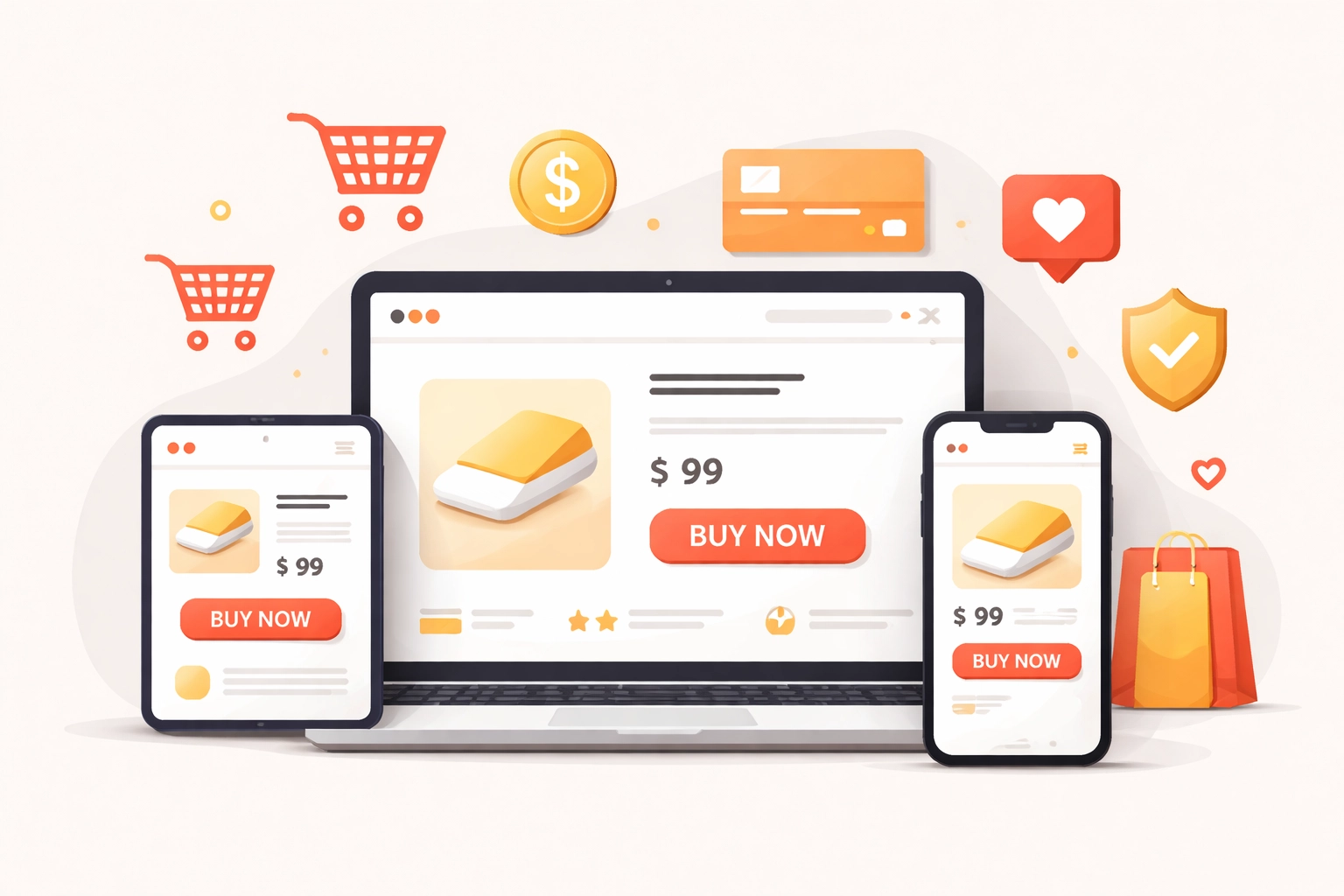
Your product page needs:
- Compelling headline with clear benefit
- 3-5 bullet points highlighting what readers learn
- Professional cover image
- Price displayed clearly
- Strong call-to-action button
- Money-back guarantee (builds trust)
If you're looking for ready-made digital products to sell, check the Ezy Learning Digital Store for ebooks with resell rights: skip the creation phase entirely.
Day 5: Build Your Launch Marketing Assets
Before promoting, prepare your marketing materials.
Essential assets to create:
- Product description – 150-300 words highlighting benefits, not features
- Social media graphics – Cover mockups, quote graphics, announcement images
- Email copy – Launch announcement, reminder, and follow-up sequences
- Landing page – Dedicated page with full sales copy (if selling on your own site)
Social media graphic sizes:
| Platform | Recommended Size |
|---|---|
| Instagram Post | 1080 x 1080 px |
| Facebook Post | 1200 x 630 px |
| Twitter/X | 1600 x 900 px |
| 1000 x 1500 px |
Create 3-5 variations of each graphic for testing.
Day 6: Launch and Promote
Your ebook is ready. Your platform is set. Time to drive traffic.
Promotion channels to activate:
Email Marketing
- Send announcement to your existing list
- Offer early-bird pricing or bonus content
- Schedule follow-up emails for non-openers
Social Media
- Post across all active platforms
- Share snippets and valuable excerpts
- Use relevant hashtags for discoverability
- Engage in comments and DMs
Content Marketing
- Publish a blog post related to your ebook topic
- Create a YouTube video or podcast episode
- Answer questions on Quora or Reddit in your niche
Paid Advertising (optional)
- Facebook/Instagram ads targeting your niche audience
- Amazon ads if using KDP
- Start with $5-$10/day budget to test
Free promotion strategy:
If using Amazon KDP, enrol in KDP Select and run a free promotion. Each book gets 5 free days per 90-day period. This boosts rankings and generates reviews.
Need to sharpen your marketing skills? Browse marketing and promotion courses to level up your strategy.
Day 7: Optimise and Scale
Your first sale might come on day 6. Or day 7. Or day 8. The goal is to create momentum.
Day 7 tasks:
- Analyse traffic sources – Where are visitors coming from?
- Check conversion rates – How many visitors are buying?
- Gather feedback – Ask early buyers for reviews
- Adjust pricing if needed – Test different price points
- Plan ongoing promotion – One launch isn't enough
Scaling strategies:
- Create a series of related ebooks
- Bundle multiple ebooks at a discount
- Offer affiliate commissions to promoters
- Repurpose content into courses or audiobooks
- Build an email sequence that sells on autopilot
7-Day Ebook Launch Checklist
| Day | Tasks |
|---|---|
| 1 | Choose niche, define target audience, outline content |
| 2 | Write ebook content, format document, export to PDF |
| 3 | Design professional cover, create mockup images |
| 4 | Set up sales platform, create product page, test checkout |
| 5 | Build marketing assets, write email copy, create graphics |
| 6 | Launch publicly, promote across all channels |
| 7 | Analyse results, gather reviews, plan ongoing promotion |
Common Mistakes to Avoid
- Skipping the cover design – Never judge by covers, but buyers always do
- Pricing too low – $0.99 signals low quality. Start at $4.99-$9.99 minimum
- No email list – Building an audience before launch multiplies results
- One-time promotion – Consistent marketing beats single launch spikes
- Ignoring mobile – Ensure your sales page works on all devices
Next Steps
The framework is simple: create, publish, promote. Your first ebook won't be perfect. It doesn't need to be. It needs to exist.
Start today. Follow the 7-day plan. Make your first sale.
For ready-to-sell digital products that skip the creation process entirely, explore the Ezy Learning Digital Store.